One platform. Extend it as you grow.
Core CAD does the whole call — intake to clear. Add-on modules extend Priority One to the field, to partner agencies, and to your own systems. Pay only for what your agency uses.
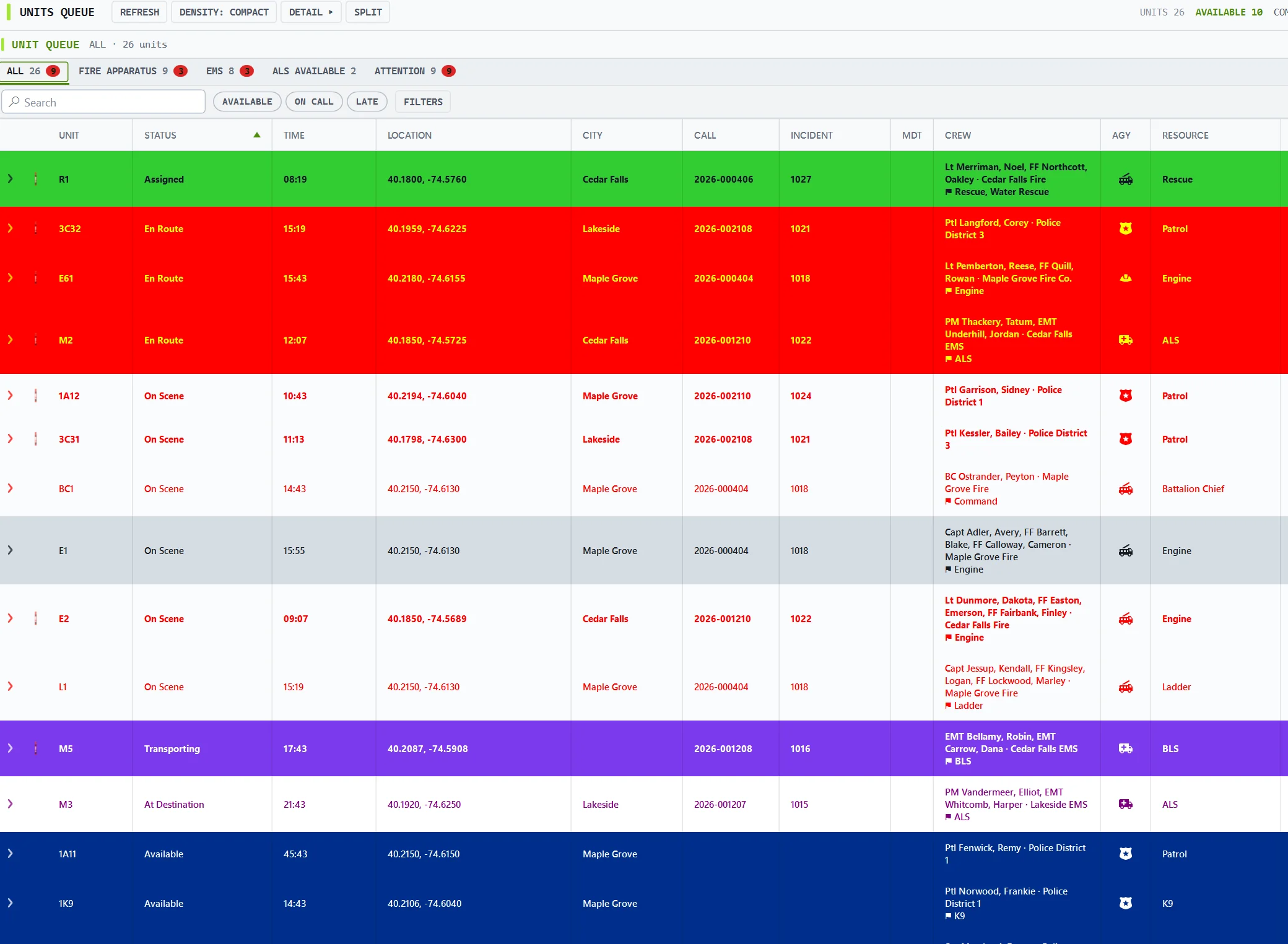
Add-on modules
Six modules. Add the ones that earn their place.
Every module plugs into the same live record as core CAD. Nothing to reconcile, nothing to re-key — and if a module was never licensed, dispatchers keep dispatching.
CadLink
Connect neighboring CADs and run mutual-aid calls together, in real time.
Details Paid moduleP1 Station Alerting
Alert stations and pagers the instant a call is created, with delivery tracking.
Details Paid moduleCustom Agency API
Your own branded REST API, on your own domain, scoped to your agency.
Details Paid moduleP1 Sightline
A browser live view of units and calls for partner agencies — no PII.
Details Paid moduleMobile Data Terminal
The console in the vehicle — status, calls, notes and GPS for the crew.
Details Paid moduleAVL Auto-Status
Flip units between In Quarters, Available and On Scene automatically from GPS.
DetailsCadLink
Connect your CAD to neighboring agencies so mutual-aid incidents are shared in real time.
When two agencies work the same event, CadLink keeps the shared incident and its notes current across both centers — no phone relay, no double entry. Each agency keeps running its own console; the shared incident just stays current on both sides.
What you get
- Shared incidents — send a call to a partner agency in one step; both records stay linked.
- Cross-agency notes — a note on a linked call shows on every side.
- Per-agency scoping — each agency keeps its own units and status.
- Shared units, your way — a partner offers a unit; you accept it and confirm which of your own units it is. Its capabilities and response plans stay yours.
- Your mappings — you decide what a partner's natures, priorities and unit statuses mean in your CAD, in the CadLink portal.
- Secure, outbound-only — your CAD makes outbound HTTPS connections to the CadLink hub; no inbound ports.
P1 Station Alerting
Push a dispatch to stations and pagers the instant a call is created — no dispatcher step.
The moment a call is created, Station Alerting fires it out to the right stations and pagers, then tracks whether each one delivered. It runs on its own server next to your paging gear, so alerting keeps working independently of the console.
What you get
- Instant alerting on call creation — automatic, no extra click.
- Pager, email-to-pager and SNPP delivery paths.
- Automatic retry and per-message delivery tracking.
- Per-station routing — units and stations get only their alerts.
Custom Agency API
Your own branded REST API, on your own domain, exposing your agency data.
The Custom Agency API runs at your center and exposes incidents, units, dispatch, geo and E911 through a REST interface on your own domain. Every key is bound to your agency, so it only ever sees your data — and it connects outbound-only.
What you get
- On your domain — for example api.youragency.gov.
- API-key auth with read, write and admin scopes.
- Full endpoint set — incidents, units, dispatch, geo, E911 — with docs.
- On-prem, outbound-only — data never leaves your center.
P1 Sightline
A browser-based, jurisdiction-scoped live view of units and calls for partner agencies.
Sightline gives partner agencies situational awareness without a seat in your CAD — a live map of units and calls, scoped to only the towns and agencies they are granted, with no caller PII. It runs in a browser, so there is nothing to install.
What you get
- Runs in a browser — nothing to install for partners.
- Per-user scope by city and agency — they see only their area.
- No PII — caller name, phone and sensitive notes excluded.
- MFA and session lock on every account.
Mobile Data Terminal
The dispatch console, in the vehicle — for the crews doing the work.
The MDT mirrors the console for a single unit. Crews see their assigned calls with full detail, change their own status, add notes from the field, and push GPS back to the map — all in sync with the room, and concurrency-safe so the field and the console never disagree.
What you get
- Live call detail for the unit — mirrors the console.
- Own-status changes — Enroute, On Scene, Transport, Clear.
- Field notes and GPS pushed back to the map.
- License-key login per unit — quick to stand up.
AVL Auto-Status
Flip units between In Quarters, Available and On Scene automatically from their GPS.
AVL Auto-Status watches unit locations and updates their status without a keystroke — a unit that returns to its station and settles goes In Quarters; one that arrives at a call can go On Scene. Geofences plus dwell detection keep it from flapping, and a manual change always overrides.
What you get
- Geofence-based status — enter a zone, change status.
- Dwell detection — no flapping on a drive-by.
- Automatic On Scene when a unit reaches its call.
- Manual override always wins — dispatchers stay in control.
Included with core CAD
The essentials come standard.
Core CAD does the whole call, intake to clear. These are part of it, not line items. See the platform.
Not sure which modules you need?
Tell us how your agency runs and we will scope exactly what fits — core plus only the add-ons that earn their place.